Appearance
Download translated documents
Zanata allows anyone to download translations from a project version.
From website
- Go to project version page
- In Language tab, select a translation language that you wish to download.
Download all translated documents
On the right panel, click on the drop down menu, select
Download All(zip).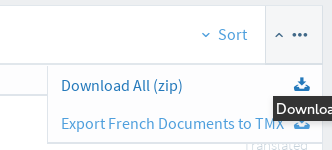
Click on
Downloadbutton to start downloading.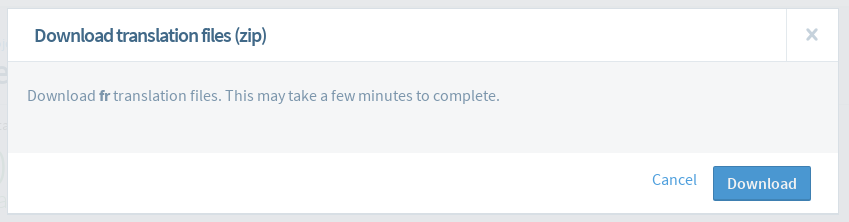
Download individual translated document
- Click on the drop down menu located in front of a document.
- Select
Download translated [supported file format].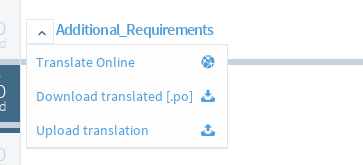
From client
See Zanata-Client pull command for more information.