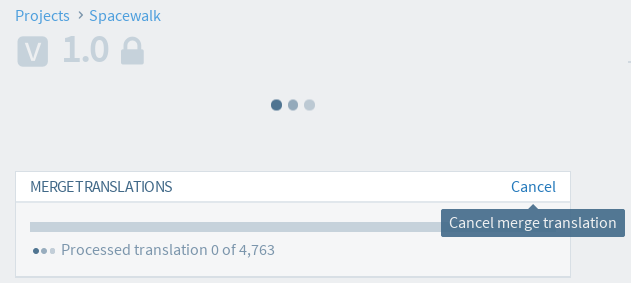
Appearance
Merge translations from another project version
Merge translations allows project maintainers to copy translations across different project version based on matching context. (See below for context matching rules)
Restrictions
- This feature is only available to project maintainers.
- Only translations that are in translated/approved state will be used.
- Merge translation can only be run if there are no other copy operations in progress for the selected version, such as copy-trans or copy version.
Rule of which translations will be copied over
| **From** | **To** | **Copy?** |
| fuzzy/untranslated | any | No |
| different source text/document id/ resId/msgctxt/locale | any | No |
| translated/approved | untranslated/fuzzy | Yes |
| translated/approved | translated/approved | copy if `From` is newer and `Keep existing translated/approved translations` is unchecked |
Run Merge translations
- Login to Zanata.
- Select a project version you wish to copy translations to.
- Expand
More Actionmenu on top right corner and click onMerge Translations. This action is only available if you are a maintainer of the project.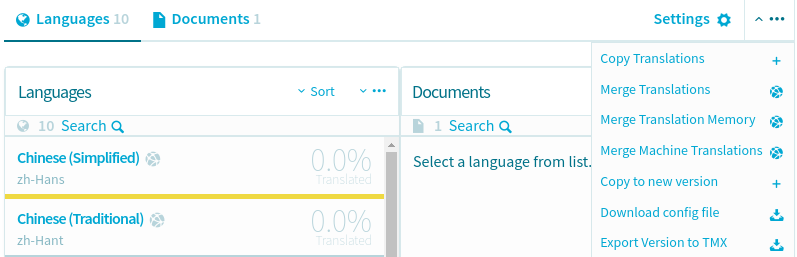
- In displayed dialog, select the project-version you wish to copy translations from.
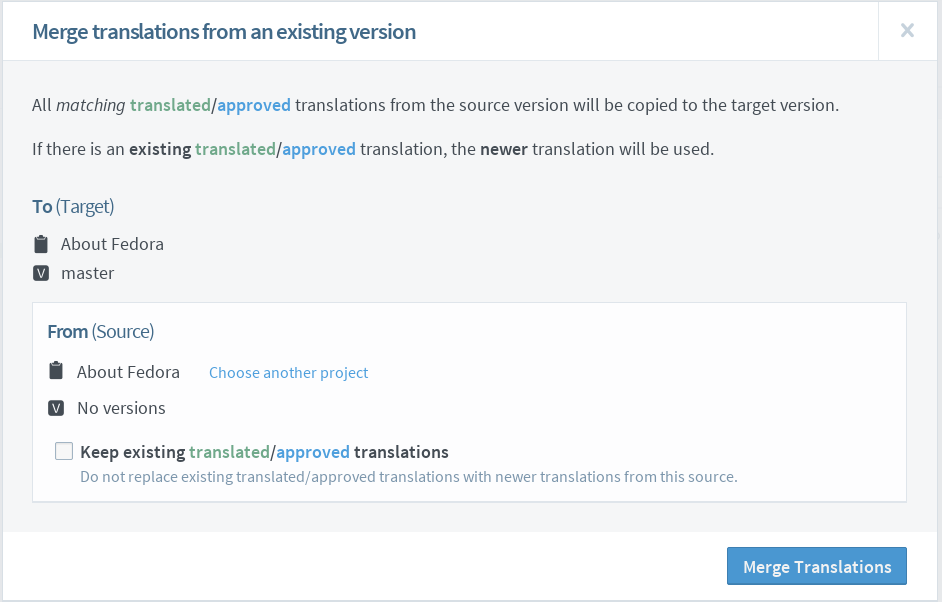
- If you do not want to overwrite translated/approved translations, ensure that
Keep existing translated/approved translationsis checked. If this option is not checked, translated/approved translations will be replaced with newer translated/approved translations if they are available. - Click
Merge Translationsbutton to start the process. - The progress of the merge process is shown by a progress bar on the version page.
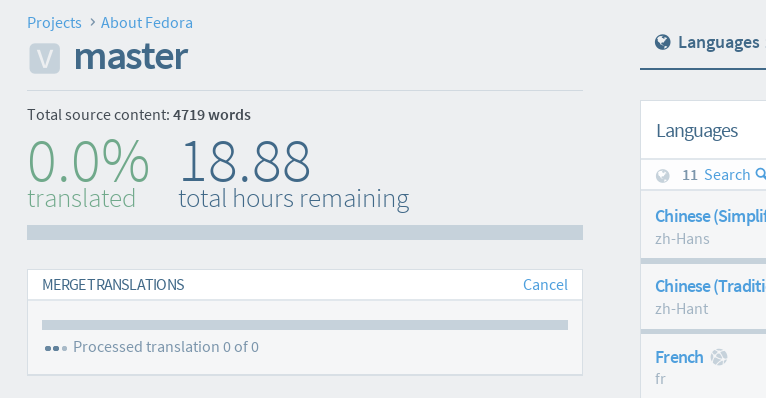
Cancel Merge translation
Note: This will only stop additional translations being merged. Any translations that have already been merged will remain merged.
- Go to the progress bar section in project version page.
- Click on the
Cancelbutton on top right panel.