Appearance
Prerequisite
See glossary roles and permission for permission setup.
- Login into Zanata
- To insert a term into the system glossary, click
Glossarymenu. - To insert a term into the project glossary, navigate to the project page, click on "Glossary" in the project page.
- Click on
New Termon top right page.
- A window will popup, fill in term, part of speech and description of the new term. For info on these fields, see fields in CSV
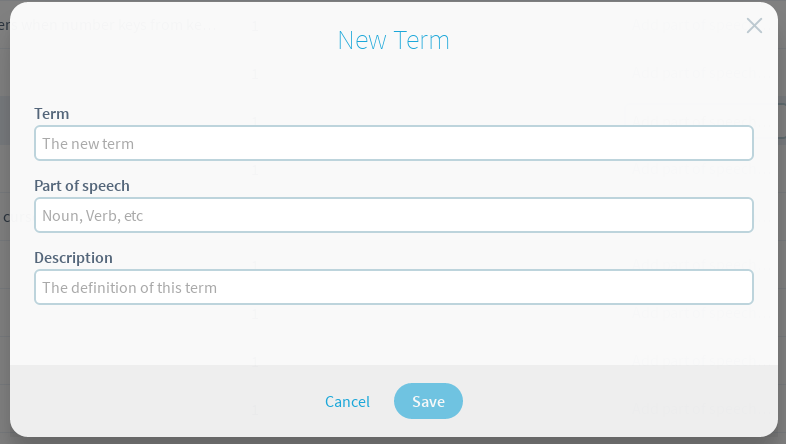
- To save your changes, click the save button.