Appearance
Prerequisite
See glossary roles and permission for permission setup.
- To edit terms in system glossary, click
Glossarymenu. - To edit terms in project glossary, navigate to the project page, click on "Glossary" in the project page.
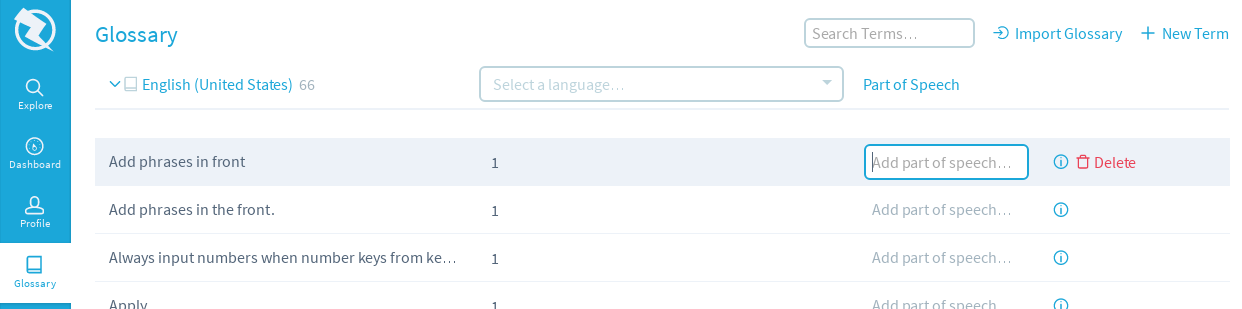
- Go to the entry you wish to edit, fill in part of speech or description.

- To save your changes, click
Update, or to revert your changes, clickCancel, or to delete this entry, clickDelete. - To start editing a translation, select language from list.
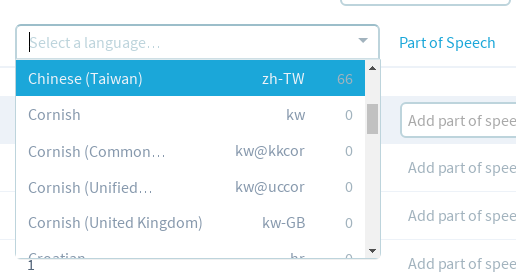
- Fill in the translation, then to save it, click
Update.